

Air France Starlink: Equipped Aircraft, Flying Blue and the Right Login Steps
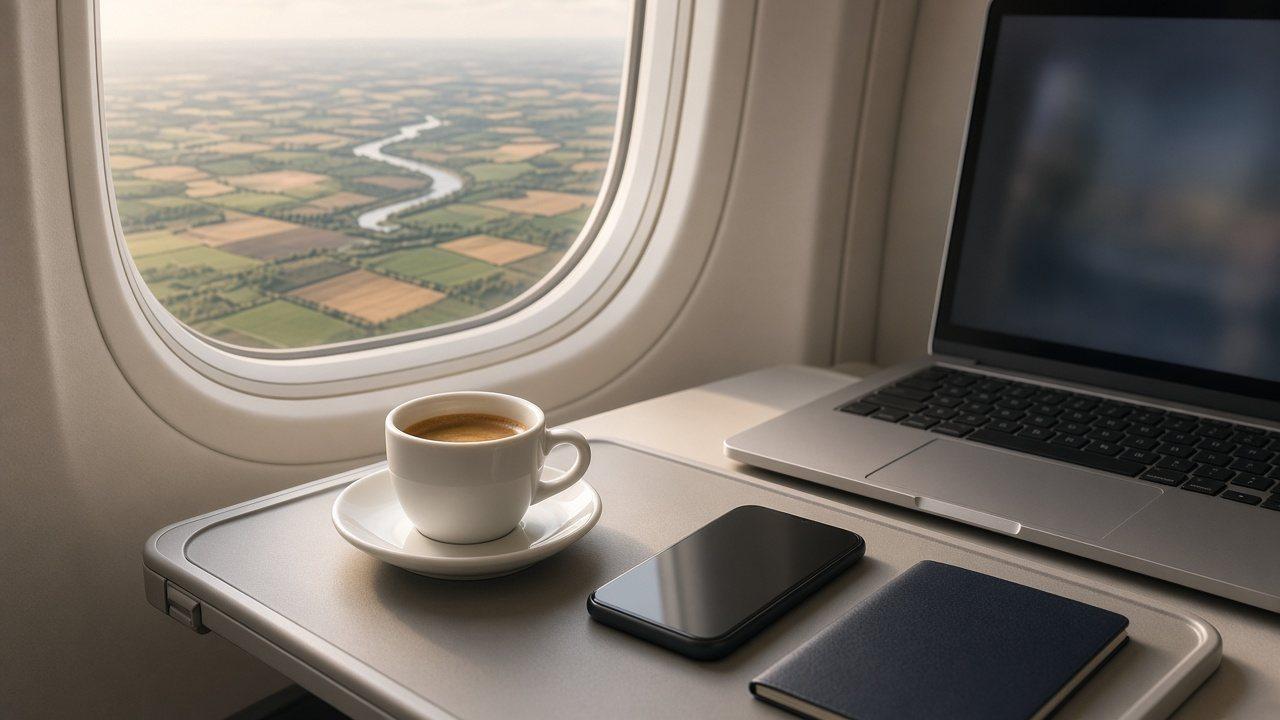
An Air France booking does not lock in a particular Wi-Fi system. The airline is progressively fitting aircraft with Starlink, offering free, unlimited high-speed internet through its regular Flying Blue sign-in. Joining Flying Blue is free; having an account ready is useful, but it does not confirm the aircraft’s equipment.
There is a second service to keep separate. Aircraft awaiting the upgrade still have an offer with a free Message Pass and a paid Wifi Pass. Neither the old messaging benefit nor the new free internet offer should be applied indiscriminately to every system.
What can you know before departure?
Air France says the assigned aircraft can change until the day of departure. It therefore cannot confirm the Wi-Fi service when you book. A familiar route or aircraft type is not a flight-specific promise.
Check the flight date and actual operating airline, and treat each connection and the return as separate flights. Confirm the service offered aboard the aircraft you actually board. This guide covers the regular Flying Blue login; follow any cabin-specific instructions supplied for your journey.
Check | New Air France service | Why the distinction matters |
|---|---|---|
Equipment | Starlink installation is progressive | The entire fleet is not one uniform product |
Free access | Regular sign-in uses Flying Blue; joining is free | The older Message Pass is not the same full-internet offer |
Network | Select AirFranceWifi | A Wi-Fi symbol alone does not establish internet access |
VPN / Private Relay | Turn off while connecting; restore once connected | Not a blanket flight-long ban |
Portal completion | Finish every step until connection is confirmed | An unfinished login may stop working shortly afterward |
The airline’s own connection sequence
Check that airplane mode is on, then select AirFranceWifi in your Wi-Fi settings. Air France asks you to turn off a VPN while connecting. Its FAQ also applies the temporary step to private relay and says either can be turned back on after connection.
Use your Flying Blue email address or membership number and password in the AirFranceWifi portal. Air France says you can create a free account on board if needed. Preparing it before travel is a practical suggestion, not an additional airline requirement.
If the portal does not appear, use the help attached to the official Wi-Fi page and the current cabin instructions. Do not interpret a temporary connection step as advice to delete a managed VPN profile or bypass your employer’s security policy.
Connected briefly, then disconnected?
Air France’s help explains that you may not have completed the full connection process. Select the network again, remain on the page when notifications appear, and follow the steps until the connection confirmation. Opening another app is not proof that the portal process finished.
These are Air France instructions, not a universal checklist for every carrier. The airline promotes films, music and online games, but “unlimited” is not a promise of constant speed to every device. Country restrictions may apply, so do not assume uninterrupted worldwide coverage.
Streaming is not the only cabin consideration
Use devices discreetly. Air France also asks passengers not to photograph or film others or crew without permission. A list of supported online activities is not permission to disregard cabin instructions. Read the separate new-service and older-service sections on the official Air France Wi-Fi page.
For a stay in France, compare France eSIM options and coverage with your plans after landing. That is mobile connectivity on the ground; buying a destination eSIM is not required to unlock onboard Starlink.
Frequently Asked Questions
Does the required Flying Blue account cost anything?
Joining is free. The regular new-service login uses Flying Blue, and Air France says you can also create an account on board.
Can I secure Starlink when I book?
Air France says it cannot confirm the Wi-Fi type at booking because the aircraft can change until departure day.
Are VPN and Private Relay banned for the whole flight?
No. Air France asks you to disable them during connection and says you may restore them once connected.
Is the older Message Pass the same as Starlink?
No. The Message Pass and paid Wifi Pass on aircraft awaiting the upgrade are a separate offer.
Why might access stop a few minutes after joining the network?
The airline’s help points to an unfinished connection process. Complete all portal steps until the connection is confirmed.