

Banking Apps and SMS Codes Abroad With a Travel eSIM
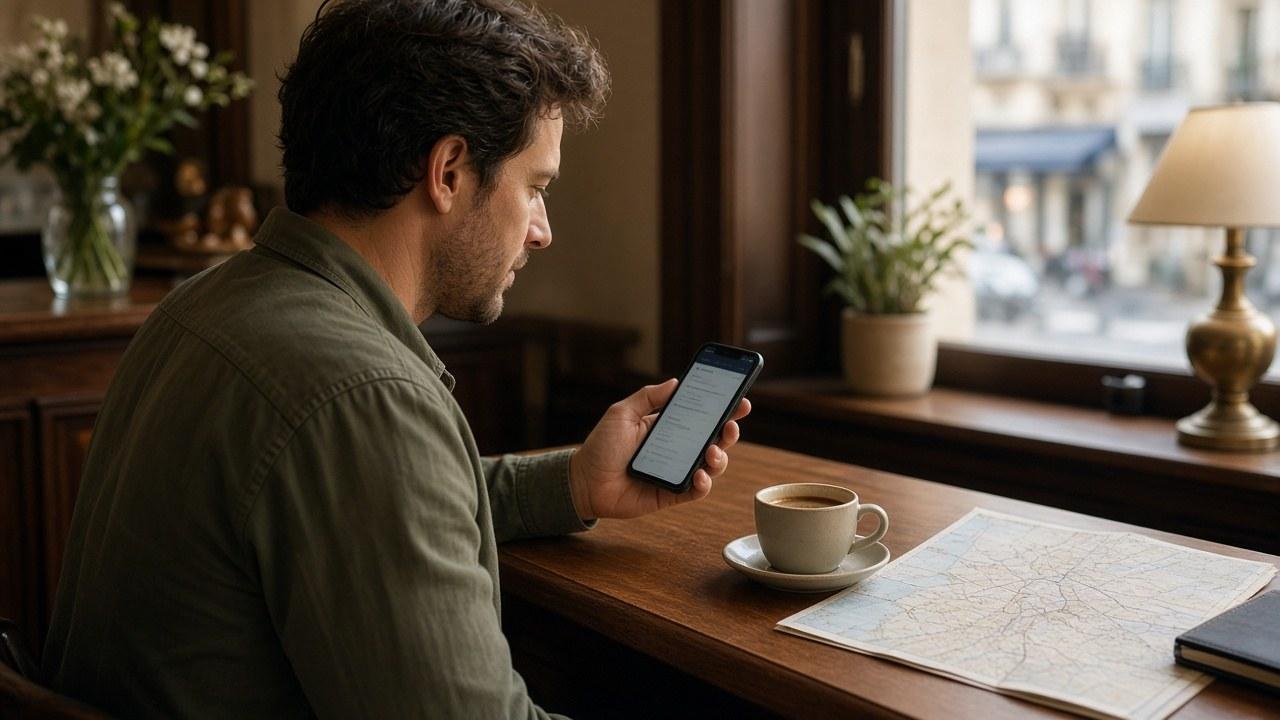
A travel eSIM can give your banking app internet access without changing the phone number registered to your account. That is why the app may work while a one-time SMS code never arrives.
SMS follows the registered number
The code goes to the SIM or eSIM carrying your primary number. That line must be active, and your carrier must provide the relevant service abroad. It does not use your travel eSIM data allowance. Turning the main line fully off prevents its receipt.
On many phones, the travel line can supply mobile data while the home line handles calls and SMS. But disabling data roaming does not behave identically on every device and plan and can affect voice or messages too. Ask your own carrier before relying on a generic rule. Read more about bank verification texts when using an eSIM.
App approval is a different mechanism
Some institutions use push notifications, biometrics or a separate authenticator tied to your device. These need internet, but not necessarily SMS. Set them up at home so you do not have to register a new device during the trip.
A foreign IP address does not automatically cause extra checks. The bank’s security policy and device registration govern the process. If a selfie or document is requested, confirm that the request appears in the official app and relates to an action you initiated. Do not continue through a suspicious link.
Method | What you need abroad | Preparation at home |
|---|---|---|
SMS | Primary line with mobile service | Your carrier’s international conditions |
App approval | Internet and a registered device | Test the app and notifications |
Authenticator | A method supported by the bank | Securely store recovery codes |
Customer support | A verified phone number | Save it from the bank’s official channel |
Set up a fallback
Update banking and authentication apps before departure. Understand account recovery and store backup codes securely apart from the phone. Ask the bank whether a travel notification is required.
Arrange a second payment method that suits your finances and keep it separate from your phone and primary card. Record the official way to contact your bank from abroad before you need it urgently.
A connection problem or a bank review?
If no webpage opens, check the data line, APN and coverage country. If the rest of the internet works but the bank refuses access, reinstalling the eSIM will not fix its decision. Save the error message and follow the bank’s instructions.
Wi-Fi calling and SMS can help when coverage is weak, but require support from the device and carrier and may be restricted onboard. Test them at home. For transactions, use your own device and the official app rather than treating all public Wi-Fi as automatically safe or unsafe.
Travelling with others
If one person must approve a group payment, that person’s verification method needs to remain available. Agree a fallback, and do not circulate one-time codes in a group chat even among people you know.
Frequently asked questions
Does a bank SMS need mobile data on the main line?
Usually not. It needs an active number and network service, not travel eSIM data. A completely disabled line cannot receive it.
Does using a travel eSIM change the bank’s registered number?
No. The number stays on the account until you update it through the bank’s official procedure.
Can I receive SMS during a flight?
Not during ordinary airplane-mode use. Messaging or calls over Wi-Fi depend on carrier and airline support.
Is a bank selfie request always legitimate and routine?
Do not assume so. Continue only in the official app for a process you recognize and independently contact the bank if anything seems unusual.
Will a VPN remove an additional bank check?
There is no guarantee. Do not try to bypass security with a VPN; use the official support route.