

Battery and Signal Tips Abroad When You Use an eSIM
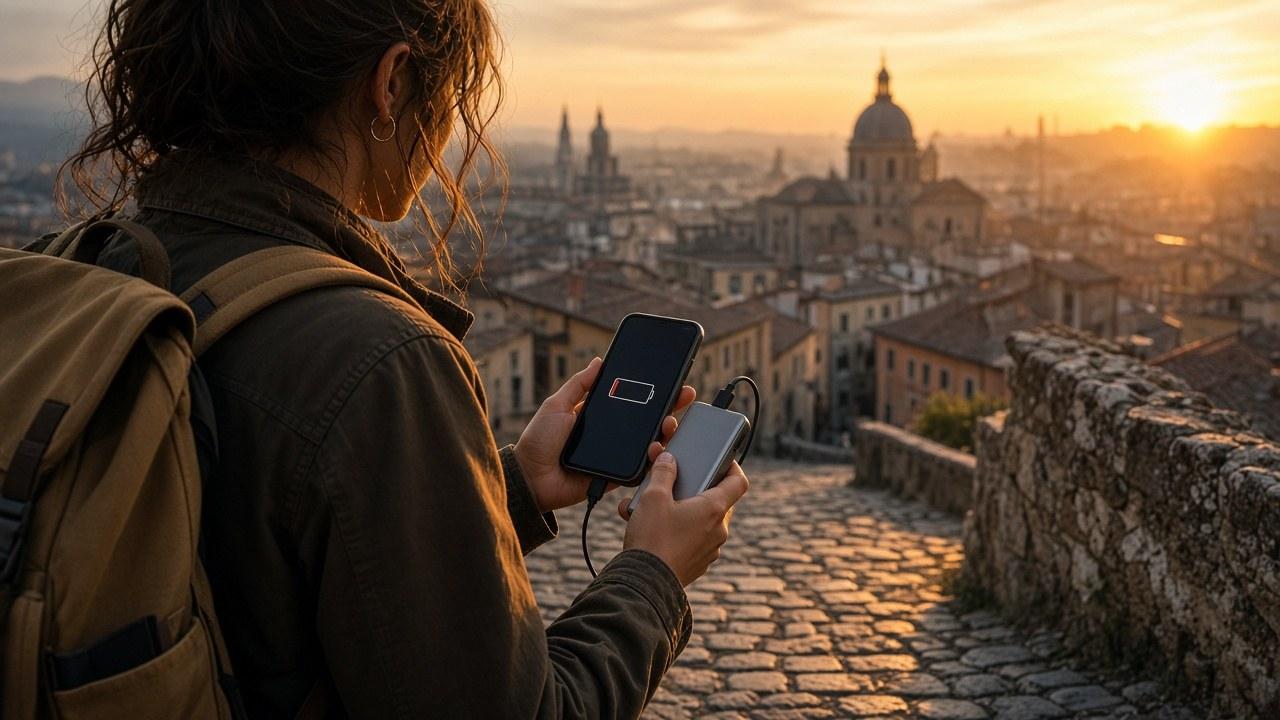
An eSIM is not necessarily the reason your battery runs down. Travel days keep the screen on, ask maps for your position, back up photos and sometimes run a hotspot. Weak or shifting coverage and two active lines can also add to consumption.
Check connectivity before trying to save power
Confirm that the travel eSIM is selected for cellular data and that you are in a covered country. Check APN and data roaming according to the plan’s instructions. Once connected, test power saving against the notifications and apps you still need.
Does an eSIM drain the battery faster? There is no answer that fits every device. Do not turn off your primary line solely to save power if you are waiting for an important call or bank code.
Where is the energy going?
Situation | Why it can matter | Practical adjustment |
|---|---|---|
Long navigation with a bright screen | Screen, position and data work together | Download the area for offline maps |
Weak coverage | The phone works to maintain a connection | Use trusted Wi-Fi if needed |
Hotspot sharing | Cellular and Wi-Fi radios work harder | Turn it off when finished |
Automatic backups | Large background transfers occur | Wait for Wi-Fi and charging |
High heat or cold | Temperature affects the battery | Avoid direct sun and extremes |
Save power without cutting yourself off
Choose brightness and auto-lock settings that still let you read directions safely. Download the next area’s map and save the route beforehand. Not every walk needs continuous live traffic information.
Limit large automatic downloads instead of disabling essential messages. Have photos and videos wait for Wi-Fi and power. Use a strong hotspot password and disconnect devices that no longer need it.
Carry a compatible power bank and cable and recharge before the battery becomes critical. If the phone gets unusually hot while charging, stop demanding tasks and place it on a hard, ventilated surface away from sunlight. Do not use or charge a damaged or swollen battery.
Is 4G better than 5G?
Neither technology always uses less power. Network quality, handset model and usage determine the result. If your device allows the choice, test briefly and assess data as well as necessary voice quality.
Do not delete the eSIM when reception is poor. Check the networks available to the plan, the country and APN or ask support. Offline maps help underground, but airplane mode also blocks incoming calls and is not appropriate everywhere.
Find the real consumer
At night, inspect battery usage in settings. First change background activity or downloads in the app using the most power and observe the effect. That is more precise than deleting a profile or disconnecting everything at once.
Frequently asked questions
Does an eSIM profile have a fixed battery consumption?
There is no universal figure. Active network use, the screen and data traffic usually matter more to the whole picture.
Can power-saving mode affect my connection?
Depending on the device, it may restrict background activity. Test the messages and notifications you need after enabling it.
Should I always select 4G instead of 5G?
Not necessarily. Try it if coverage warrants and switch back to automatic if quality deteriorates.
Will a fresh installation repair weak coverage?
Usually that is not the first step. Check data line, APN, country and permitted networks before removing anything.
What should I do with an extremely hot phone?
Stop the hotspot and demanding jobs and leave it ventilated in the shade. A swollen or damaged battery must not be used or charged.