

Emergency Calls Abroad: What to Prepare Before You Need Help
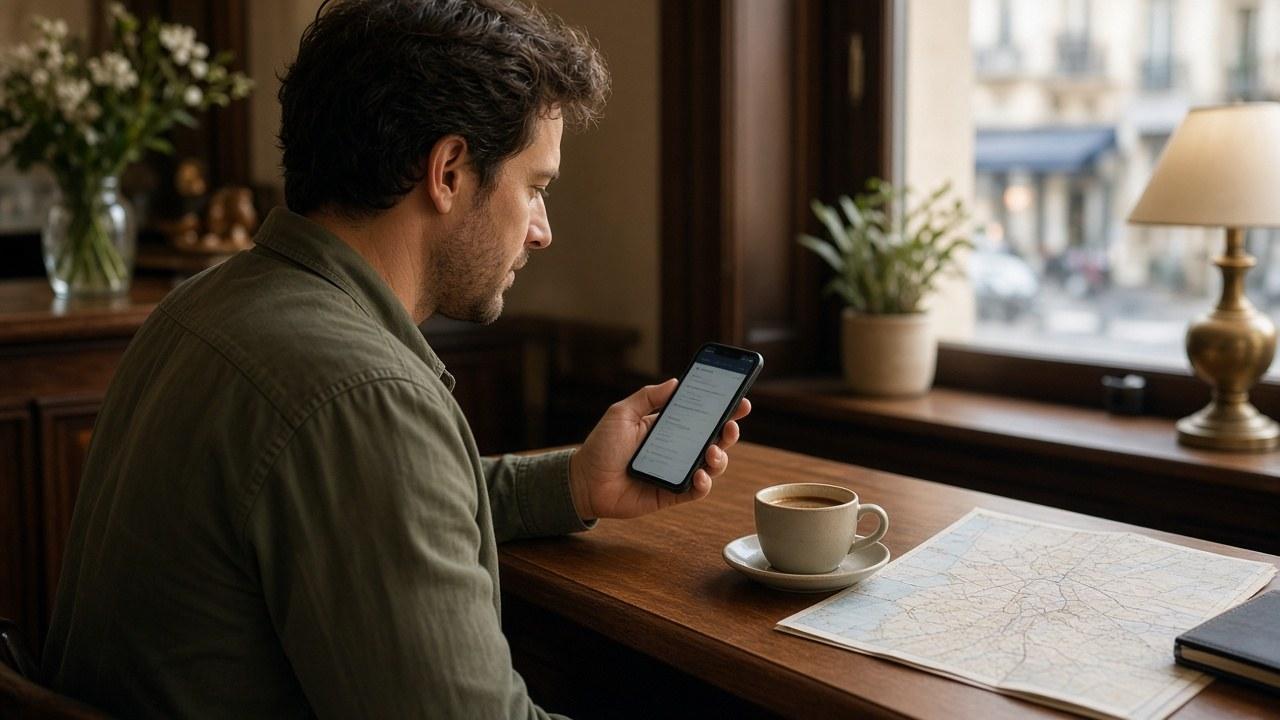
Knowing your accommodation address is routine travel preparation. Knowing the local emergency number and your phone's limitations deserves the same attention. A little preparation can reduce what you have to figure out in an unfamiliar place, without making any test call to an emergency service.
Data access is not an ordinary voice service
A data-only travel eSIM does not itself provide a normal calling number and cellular voice service. A voice conversation inside a messaging app is also not the same service as dialing the local emergency number from the phone's calling screen.
Equally, the amount of data remaining does not alone determine whether an emergency call can connect. In some circumstances a device may use another suitable, available mobile network. That depends on the country, network, device compatibility and SIM status. There is no universal promise of calling without a SIM or without coverage.
Prepare in advance | Limitation to remember |
|---|---|
Official emergency numbers for the destination | A familiar number is not necessarily valid worldwide |
Address and a clear landmark | Automatic location information may be unavailable or insufficient |
Your model's emergency instructions | Controls and capabilities vary by device and region |
Wi-Fi Calling or satellite SOS information | These are not automatic features of a travel data plan |
Another way to ask for help | One phone or connection can fail |
Confirm the number with official destination information
112 is the common, free emergency number throughout the European Union. That is not a worldwide guarantee. For other destinations, check official local information; police, ambulance and fire services may have separate numbers.
Save your accommodation address in the local writing system and update it when you move. Add a recognizable nearby landmark. Your travel insurer's assistance number can also be useful, but it does not replace local emergency services when there is immediate danger.
Read the instructions for your particular device
Find out how to reach the emergency-call option from the lock screen. If adding emergency contacts or medical details, choose accurate, relevant information and consider what will be visible to other people without unlocking the phone.
Apple's official emergency-contact instructions describe iPhone capabilities and limitations, including network and SIM conditions. They are not a universal Android manual. Use your own manufacturer's documentation and carrier information for the device you carry.
Wi-Fi Calling requires support and appropriate setup; joining a hotel network does not automatically enable it. Satellite SOS has its own model and geographic requirements. Do not treat it as a service supplied by an ordinary travel eSIM.
Have a route to help beyond one app
If a call does not connect and it is safe, ask staff, reception or someone nearby to help make the call. Do not rely solely on waiting for a messaging-app reply when help is urgent. Do not put yourself at risk to search for a better signal.
Agree with travel companions who should be informed at home. The plan is more useful if it is not stored on just one person's phone.
Frequently asked questions
Does running out of data prevent every emergency call?
Mobile data and emergency calling are different services. Connection still depends on the phone, network and local conditions. Neither an empty nor a full data allowance guarantees the outcome by itself.
Can every phone call without a SIM?
That cannot be promised for every situation. Network rules, device state and local requirements can restrict calling. Check official information and prepare another way to request help.
Is 112 guaranteed in every country?
It is the common emergency number in the EU and is used in other places, but it is not a worldwide guarantee. Confirm the official numbers for each destination before traveling.
Will the dispatcher always receive my exact location?
Do not depend on that. Be ready to describe an address, floor, road section or landmark when safe to do so. Automatic location may be missing or too imprecise.
Does an SOS label mean satellite service is ready?
Not necessarily. Status messages and available features depend on the device and region. Read the manufacturer's explanation before relying on a particular capability.