

Can You Use an eSIM on a Flight? Airplane Mode Explained
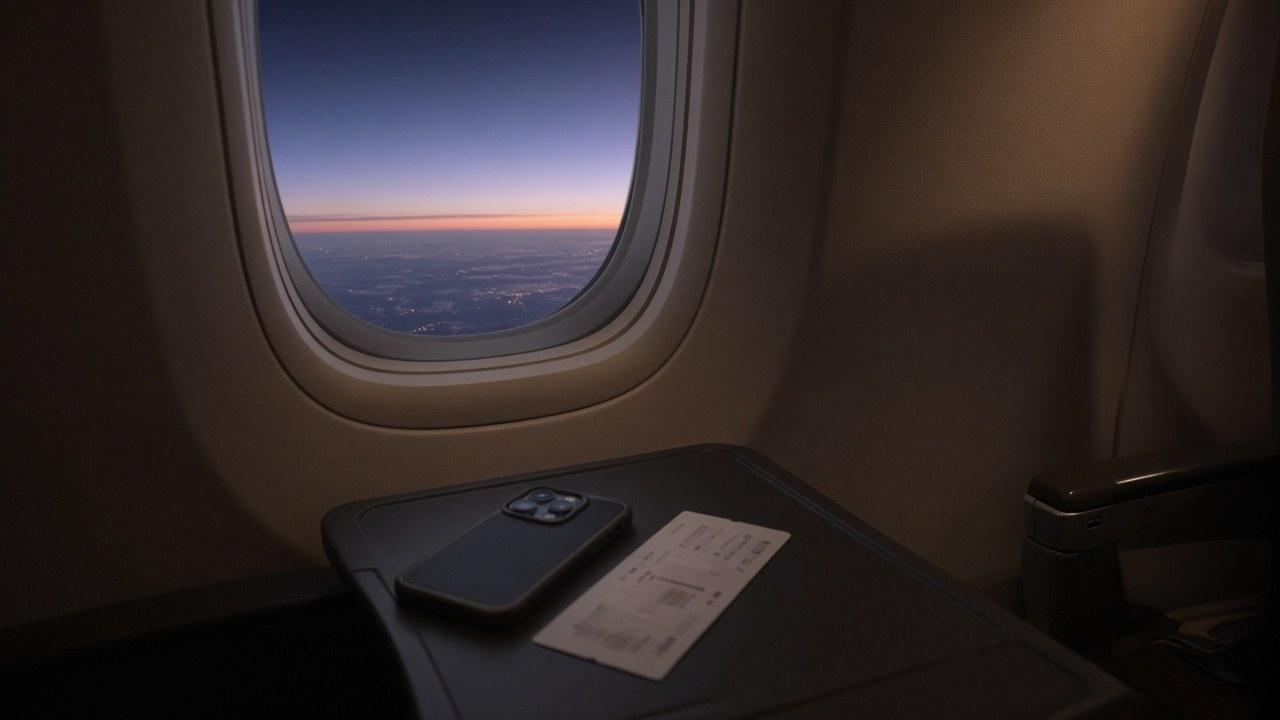
A travel eSIM does not turn into ordinary mobile internet at cruising altitude. It uses terrestrial networks in its coverage area. In the cabin, the airline’s and crew’s instructions determine which radios and connections you may use.
Airplane mode switches off connectivity, not the profile
Airplane mode normally disables cellular connectivity on every line, including your travel eSIM. The profile stays installed. Package validity does not automatically pause; check whether your plan’s period begins on installation or on first registration in a destination network.
An airline may offer separate onboard Wi-Fi. If it is permitted alongside airplane mode, that connection does not use your travel allowance. A special cabin cellular system needs both airline and operator support and permission. Do not assume a normal travel plan works with it.
Prepare before boarding
Install the eSIM over a stable connection and give the lines clear names. Download tickets, accommodation details and an offline map of the arrival area. Keep the plan’s APN instructions safely accessible.
Separate two decisions: which line handles cellular data, and whether your travel plan asks for data roaming on that particular line. For your primary number, consider whether you need calls or SMS and what your carrier allows abroad.
Stage | What to expect | What to do |
|---|---|---|
Before the doors close | The ground network may work | Finish installation and downloads |
During the flight | Airplane-mode and airline rules apply | Use saved documents and maps |
Cabin Wi-Fi | A separate service if available | Leave eSIM settings alone |
After landing | Network registration can take time | Check airplane mode and the data line |
Once you have landed
Turn airplane mode off, select the travel eSIM for data, and apply the product’s roaming instructions. Give the device time to register. If there is no connection, toggle airplane mode once or restart it.
Open a webpage as a test. A network name or signal bars alone do not establish working internet. If the page fails, check the covered country, selected data line and APN before contacting support. Do not delete the profile just because the first attempt failed.
If your connection country is outside the plan, lack of data there does not prove a defective eSIM. Use terminal Wi-Fi where needed and review your selections again at the final destination.
Avoid banking during the flight
Normal SMS will not arrive in airplane mode. Onboard Wi-Fi does not change that by itself. Calling and messaging over Wi-Fi depend on the device, carrier and flight support. Complete important bank transactions before departure or after arrival.
Carry a charged power bank in the cabin according to aviation safety rules. That leaves power for maps and transport confirmations on arrival.
Frequently asked questions
Does airplane mode delete an eSIM?
No. It disables cellular connectivity while the profile remains on the phone.
Can I rely on ordinary travel eSIM data while airborne?
No. Use onboard Wi-Fi if it is available. A special cabin cellular service depends on airline and operator support.
Does package validity freeze in airplane mode?
Normally not. It follows the product terms, not the state of airplane mode.
When should I enable data roaming?
On the travel line when the product’s instructions call for it. Manage the primary line according to your own plan and needs.
Should I reinstall if there is no network at the airport?
No. Check coverage, data line and APN and restart the phone first. Deleting the profile is not the first diagnostic step.