

Connected to in-flight Wi-Fi but no internet? Check which step is missing
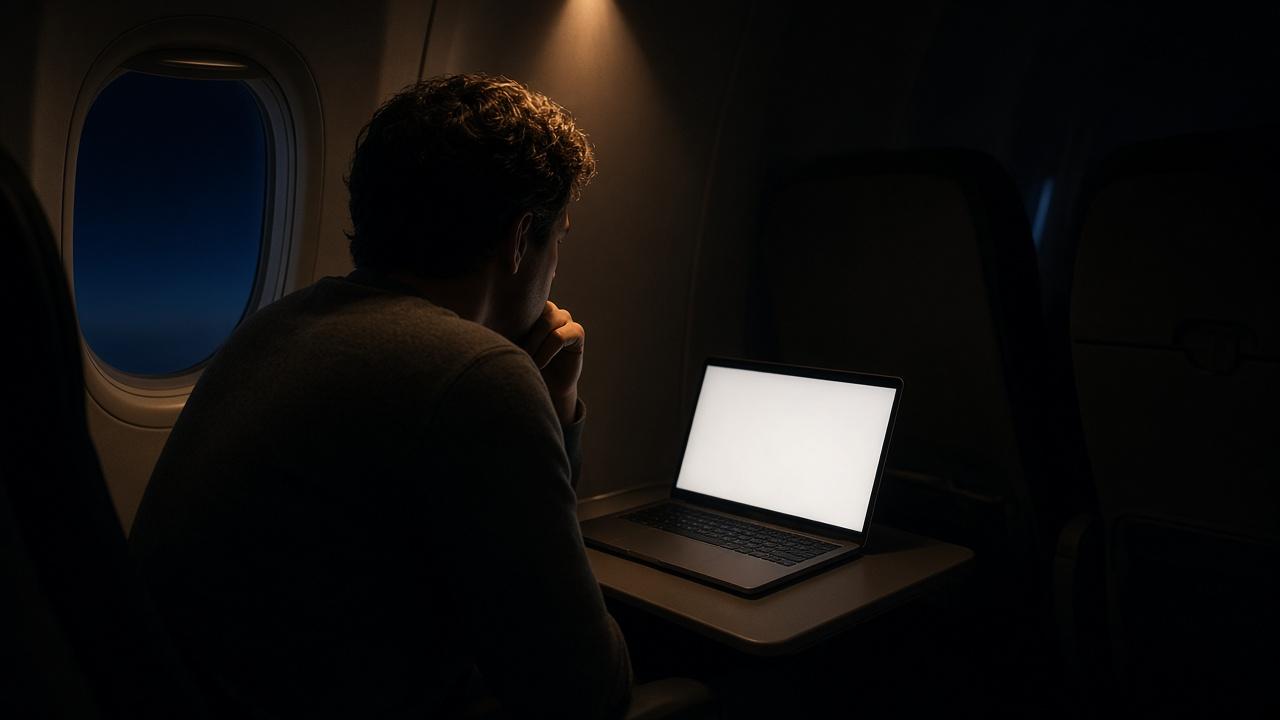
A Wi-Fi symbol can appear while your messages still refuse to send. You might even be able to open the flight-information screen. Neither result proves that your device has been given access to the wider internet.
The useful question is where the process stopped: joining the aircraft network, opening the airline portal, completing access requirements, or reaching the external connection. This is a cabin-login checklist, not a guide to changing your travel eSIM settings or a general public-Wi-Fi security tutorial.
Find the unfinished step
What you see | First check | What it does not establish |
|---|---|---|
Wi-Fi connected, ordinary websites unavailable | Have you completed the portal's access steps? | That external internet has been authorized |
Flight information or local entertainment works | Is internet a separate service on this aircraft? | That local content depends on internet access |
A membership screen keeps appearing | Are you using the account required for this service? | That every airline accepts the same loyalty account |
Login succeeded, then service stopped | Ask the crew about current service availability | That the account must be the problem |
United's terms distinguish portal services hosted on the aircraft from internet services reached through the worldwide web. That is why loading an aircraft-hosted page is not a complete test of the external connection.
Start with the aircraft's own instructions
Check the network name on the official seat card or cabin instructions. A codeshare ticket may show a different airline from the one operating the aircraft, so use the operating carrier's directions rather than assuming the seller's procedure applies.
Air France provides a specific example: select AirFranceWifi, then open its login portal. If it does not appear automatically, its instructions say to type wifi.airfrance.com into the browser. That is an Air France address, not a universal shortcut for any aircraft. Do not invent an address for another carrier.
Once the portal appears, finish its access steps and try an ordinary website. For the underlying distinction, our explanation of Starlink and cabin Wi-Fi looks at the two connections without turning this checklist into a satellite lesson.
Match the account to the service
Air France reserves its new high-speed offer for Flying Blue members. Installation is progressive, and an aircraft without that service may have a different offer. Qatar's Starlink information separates 45-minute access from full-flight access through Privilege Club. These are different access paths, not interchangeable loyalty logins.
An account screen therefore calls for checking the relevant program, not immediately buying another mobile plan. Deleting a destination eSIM profile does not complete the aircraft's login procedure either. Keep the cabin access problem separate from your plans for cellular service after landing.
VPN advice is airline-specific
Air France tells passengers to switch off a VPN or private relay while connecting; it says they may turn it back on once connected. This is not a worldwide rule banning VPNs on aircraft. United's Starlink terms instead note that VPN connections may be intermittent and require multiple logins.
If a work device is managed by your employer, respect its security policy rather than changing controls without permission. For the Air France example, follow its official connection instructions. Another carrier's workaround is not a substitute for those instructions.
Know when to stop troubleshooting your phone
If the correct network and portal steps still leave you without external access, ask the crew whether the internet service is currently available. Equipment changes, operating conditions and local requirements can affect availability. Repeatedly changing unrelated phone settings cannot guarantee a working external link.
A successful login is not a personal speed guarantee, either. Keep essential documents offline and avoid relying entirely on cabin internet to meet a deadline you cannot move. Internet permission also does not override instructions to switch off or stow devices.
For the ground portion of a European trip, compare Europe eSIM coverage with your actual stops. That is a separate mobile-connectivity decision, not a purchase needed to unlock the aircraft portal.
Frequently asked questions
Why does the Wi-Fi icon appear without internet?
It can indicate a connection to the local cabin network. Portal authorisation and the aircraft's external link are separate parts of access.
Should I guess a portal address?
No. Use the address in the operating airline's official instructions. Air France's portal address is not a common address for all carriers.
Must I disable my VPN on every flight?
Do not infer a universal requirement. Check the airline's specific connection instructions and any applicable work-device policy.
Why might a membership login fail even though I have an account?
Check that it is the program required by the actual operator and service. Then ask the crew for help with the official access process.
When should I ask the crew rather than keep adjusting settings?
When the official network and portal steps do not work, or external internet remains unavailable after login. Ask about service status and the correct procedure.