

Upgrading Before You Travel? Give Your eSIMs a Handover Plan
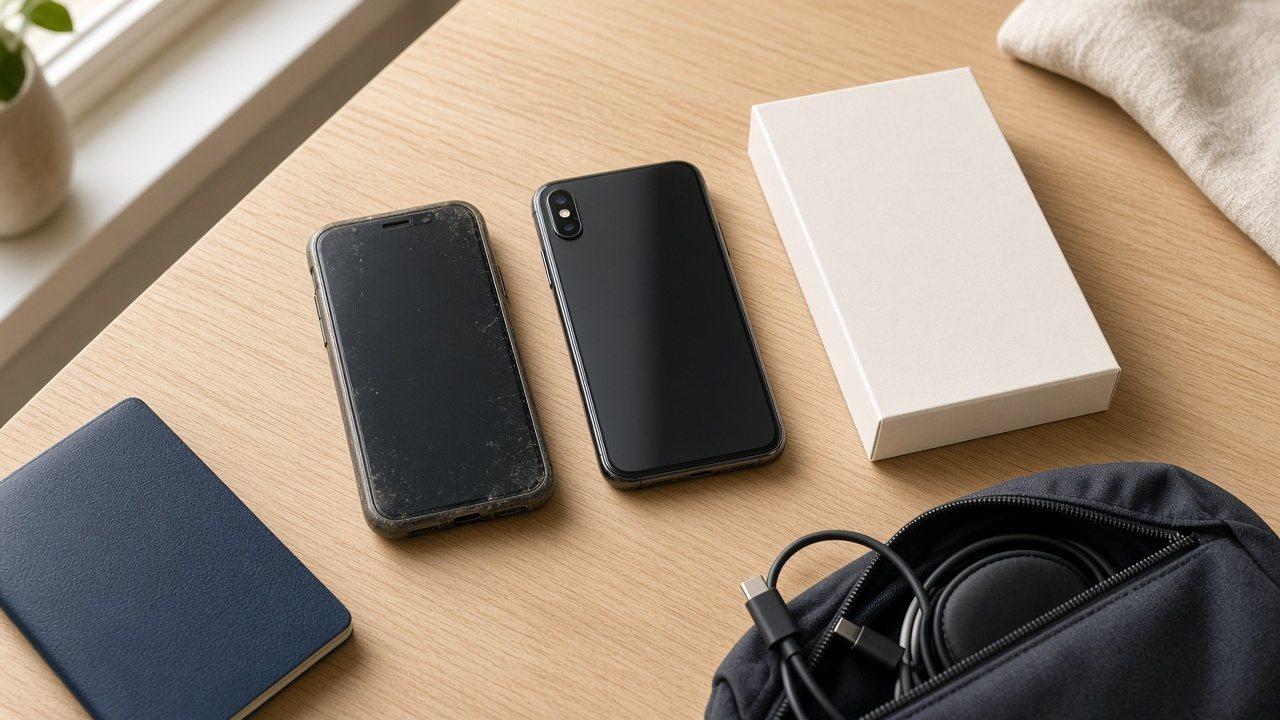
The return label is ready for your old phone, and the replacement already has your photos. Leave a gap before sealing that parcel. Moving the contents of a phone and moving its mobile services are separate jobs, particularly when your usual number and travel data come from different providers.
Work backwards from the old phone’s handover
List the services you need on the trip: your everyday number, any work line and the travel package. For each, record the provider and whether it is installed or already in use. You want a confirmed route for every service, not just a successful transfer animation.
Service or status | Decision to settle before handing over |
|---|---|
Everyday number | How does it activate on the replacement, and when does the previous SIM stop working? |
Work line | Does an administrator need to approve or perform the change? |
Installed travel profile | Is moving it allowed, and will a replacement profile be needed? |
Travel package not yet installed | Can its first installation be on the phone you will take, and what starts validity? |
An unused package may not need a move at all. Establish the intended travel phone before installing it on the outgoing one. For an existing profile, ask what happens to its previous installation and any remaining entitlement. Do not borrow another provider’s answer as proof of your own product’s terms.
Check the supported method, not just the operating system
Apple’s eSIM instructions make Quick Transfer conditional on carrier support. Its iPhone-to-iPhone method lists requirements including iOS 18.4 or later on both, the same Apple Account, Bluetooth, nearby devices and an unlocked previous iPhone.
Model and sales region matter too. Selected carriers and device combinations support transfers between Android and iPhone; neither a universal yes nor a universal no follows from the operating systems alone. Confirm the actual devices and service involved.
Define what a successful check would look like
Make the change with another internet connection available and time to get help. Briefly turn off Wi-Fi on the replacement and identify which line supplies mobile data, then restore Wi-Fi. For your everyday number, check ordinary calls and SMS as well. A data-only package does not itself provide a regular voice service.
A destination-only travel package may not connect at home. That alone does not prove the move failed. Follow the provider’s checks without unnecessarily starting validity for a test. Keep the old phone until the services and access you need have been accounted for, rather than using one loaded web page as the finish line.
Frequently asked questions
Does restoring all my apps prove that my mobile lines moved?
No. Content restoration and mobile activation are different processes. Check each necessary service through the method supported by its provider.
Can both phones keep using the same package after a transfer?
A transfer is not a promise of simultaneous use. Activating on the replacement can deactivate the previous SIM. Support for two devices is a separate product condition.
Should I install a newly bought package on the old phone first?
Not without a clear reason and instructions. Choose the phone that will travel, then confirm first-installation requirements instead of creating an unnecessary move.
What should I ask when no transfer option appears?
Give the provider the device models and the package’s installation status. Ask for the approved method for that combination. Do not put activation codes in a public discussion.
What if my main number transfers but the travel profile does not?
Treat them as separate services. Confirm the travel provider’s available options before wiping the outgoing device; your main carrier’s successful transfer does not settle the other package.