

Traveling abroad with a phone that has no SIM tray
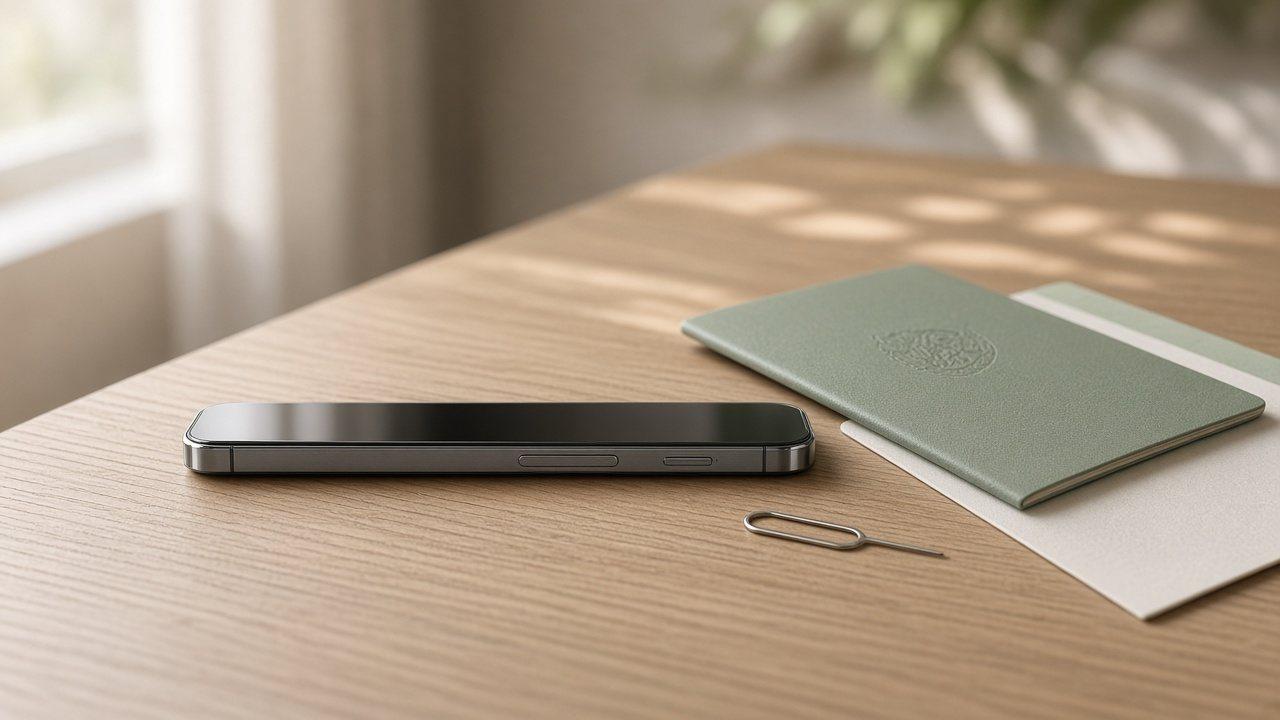
The old routine went like this: land, find the phone shop in arrivals, buy a local SIM, poke the tray open with a paperclip. If your phone has no tray, that routine is over. The eject pin in your travel pouch is now a souvenir.
That's fine. You just do the same job earlier, at home, before you leave.
Is your phone eSIM-only?
Look at the side of the phone. No tray, no physical SIM. According to Apple, which models ship that way depends partly on where you bought them:
Model | eSIM-only when bought in |
|---|---|
iPhone Air, iPhone Duo | Every country |
iPhone 18 Pro / 18 Pro Max, iPhone 17e, iPhone 17 / 17 Pro / 17 Pro Max | US, US Virgin Islands, Canada, Mexico, Japan, Guam, UAE, Saudi Arabia, Bahrain, Kuwait, Qatar, Oman |
iPhone 14, 15 and 16 lineups (including 16e) | US |
On Android, Google lists the US versions of Pixel 10, 10 Pro and 10 Pro XL as eSIM-only. For other brands, check the spec sheet for your exact model.
What actually changes on a trip
You can't improvise at the airport. Without a tray, your only options abroad are eSIMs, from a local carrier or a travel eSIM provider. Some airport kiosks sell eSIMs, many don't.
Installation needs internet. Apple says activating an eSIM requires Wi-Fi or a hotspot, except for eSIM-only models in some regions. If airport Wi-Fi wants a local phone number to log in, you're stuck.
Your home line stays put. iPhone can run two eSIMs at the same time and store many more. Keep your US number on so bank texts and two-factor codes still reach you.
A short pre-trip checklist
Confirm the phone is unlocked. On iPhone, go to Settings > General > About. Next to Carrier Lock you want to see "No SIM restrictions."
Check band support. A phone bought in one country may miss bands used in another. Apple's model pages list them.
Install the travel eSIM on home Wi-Fi. Leave it off for cellular data until you land.
Save your setup email offline. A screenshot of the instructions helps if you have to troubleshoot without a connection.
Don't swap or reset phones right before the trip. An eSIM doesn't pop out and move like a plastic card.
When you land
iOS 26 can suggest turning on your travel eSIM when it notices you're abroad. Depending on the region, it can also switch back to your main line when you return. It's still worth a quick look at Settings > Cellular: cellular data should be on the travel line, and Data Roaming should be on for that line.
Going to several countries in one trip? A Europe eSIM covers the route with a single install. For Apple's current model list, see iPhone models that are eSIM-only.
Checked November 17, 2026. Apple and Google update these lists as new phones come out.
FAQ
Can I put a physical SIM in an iPhone Air?
No. iPhone Air has no SIM tray anywhere it's sold. Abroad you'll use an eSIM, either from a local carrier or a travel provider.
My iPhone 16 came from a US store. Is it eSIM-only?
Yes. Apple lists iPhone 14, 15 and 16 models bought in the US as eSIM-only. Models bought in many other countries still have a tray.
How many eSIMs can my iPhone hold?
Two can be active at once, and you can store more and switch between them in Settings.
Can I set up an eSIM without Wi-Fi after landing?
Usually you need a connection to download it. Some eSIM-only models can activate without Wi-Fi in certain regions, but installing at home is the safe bet.
Are Pixel phones eSIM-only too?
Google says the US models of Pixel 10, 10 Pro and 10 Pro XL are eSIM-only. Pixel 7 and later can keep two eSIM profiles active if the carrier supports it.