

Back Home: What To Do With Your Travel eSIM
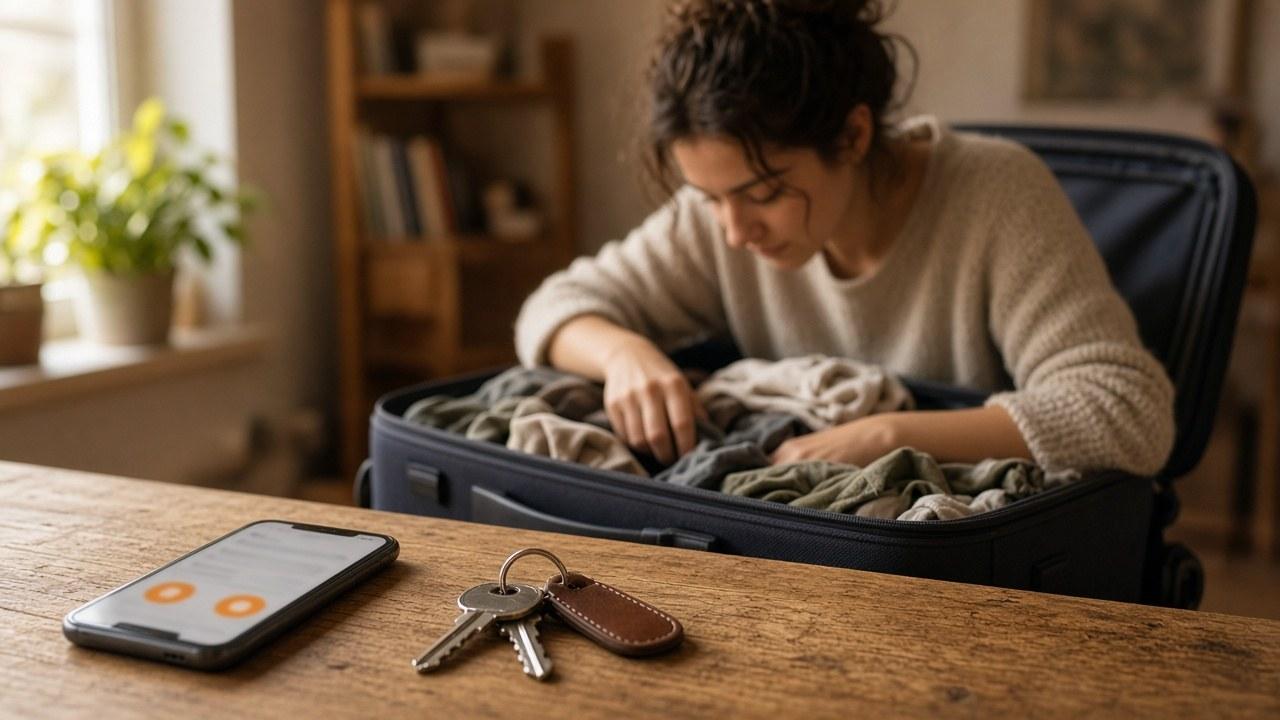
You do not have to delete your travel eSIM the moment you get home. First put everyday calls and data back on your normal line. Then decide deliberately whether to turn the travel profile off, keep it or remove it.
Return mobile data to your primary line
Select your usual SIM or eSIM for cellular data and check the default voice line as well. Connect to home Wi-Fi, open a page and test an incoming message or call. If you changed your main line’s roaming for the trip, restore the setting appropriate for your plan.
Keep the profile or tidy up?
If a plan is still valid and you will revisit the same destination, you can leave its clearly named profile on the device. Confirm validity and coverage before relying on it again. Storing a profile does not add days or countries.
Deleting a finished profile mainly tidies the line list. It does not transfer leftover data or automatically request a refund. To keep it without using it, follow how to turn off an eSIM temporarily without deleting it. Before deletion, save your order number and support details.
What you want | What to do | Do not assume |
|---|---|---|
Normal daily data | Select the primary line for cellular data | Wi-Fi makes the mobile selection for you |
A profile for later | Disable and clearly label it | The package period has paused |
Remove an expired profile | Preserve order details first | Data migrates or is refunded |
Revisit the same country | Verify validity and coverage | An old profile will always work |
Messages and banking after a trip
Your WhatsApp-registered number does not change just because you selected another data line. If notifications are missing, check app permissions and background activity rather than unnecessarily re-verifying your number.
A bank may still request additional verification at home. Device registration or its own policy may be responsible, not simply travel eSIM or a foreign IP address. Use its official app and a support number you have verified yourself.
A short homecoming checklist
Check data and voice lines, and turn off tethering when no longer needed.
Disable the travel profile or retain it only if it remains useful.
Let large photo backups and app updates run on home Wi-Fi.
Check data selections on your travelling companions’ devices too.
Note which apps consumed the most data to make the next package choice easier.
Changing phones is a different job
Do not assume a travel package follows a photo-and-app backup to a new handset. Ask the provider about reinstallation before selling or resetting your old device. Handle the move of your main number and travel eSIM separately.
Frequently asked questions
Is turning off the travel eSIM enough at home?
It generally stops data on that line. Also return the mobile-data selection to your primary line.
Do remaining days stop running when the line is off?
Do not count on it. Check validity and balance in the product account or with the provider.
Must I delete the profile immediately?
No. A still-valid profile can stay. Deletion is tidying up, not a refund request.
Will the same eSIM work in my next country?
Only if that country is covered and the plan remains valid. A new destination may need another product or setup.
Why is my bank still asking for a code at home?
Its security rules or device registration can still require that. Deleting an eSIM does not change a bank’s check.